 for
for 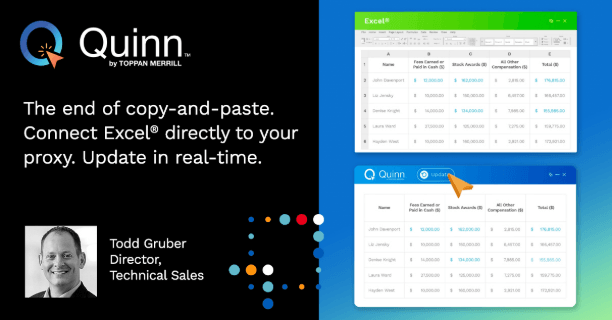
Managing tabular financial data in a spreadsheet application like Excel®, then finding a way to get the tables and data to appear in your proxy statement has historically been a manual entry or a “copy-and-paste” exercise, fraught with frustration in getting the rows and columns to format properly and be on brand. To make matters even more challenging, when even a single data point changes, that can have a cascading effect across the entire proxy statement, forcing a rinse and repeat of that time consuming process. Add on the fact that individual data points can appear across multiple pages of a proxy statement, and you have a recipe for inaccuracies everywhere.
Imagine if your source Excel® file directly linked to every instance of financial data in your proxy, whether in tables or embedded within the text. As updates are made, changes flow across the entire document instantly, without the need for manual intervention.
Remove manual updates and improve consistency with Smart Sync.
With a direct connection from Excel® to your proxy statement in Quinn, data updates flow automatically and seamlessly throughout the document, ensuring consistency wherever they appear. Leverage the power of Excel® to manage financial data in your documents, reduce the risks associated with manual data entry and “copy-and-paste” to help your team work with greater confidence. Schedule a demo and see Smart Sync live in Quinn today.